
Bid Tracker Template (2026): Editable Pack and Example

On this page7
A bid tracker template records where each submitted offer stands and what to do next. It does not compare subcontractor scope or turn open bids into earned revenue. Give every bid one record ID, one current status and one named next-action owner.
Track the job, client, sent revision, quoted amount, expiry, next action, due date and outcome. Filter open work by owner or date. Keep lost and withdrawn bids in the history. Treat an empty amount as unknown, and keep a revised offer under the first record ID so it does not inflate bid counts.
Page updated 25 October 2026. Source check dates are reported separately in the text and comparison.
Bid tracker template fields
| Field | Purpose | Example |
|---|---|---|
| Bid record ID | Stable identity across revisions | BP-014 |
| Current revision | Exact file the buyer has | Revision 2 |
| Status | Current stage | Awaiting clarification |
| Sent date | When the offer left | User-entered date |
| Offer expiry | Date requiring a fresh check | User-entered date |
| Next action | Clear action, not “follow up” | Check access hours |
| Owner | Person in charge | Estimating lead |
| Due date | When to act | User-entered date |
| Outcome reason | Why won, lost or withdrawn | Scope changed |
Scroll for more →
Use the bid tracker template each week
Start with your real open bids. Record the exact sent file before adding new prospects. A job you might quote belongs in a separate prospect stage. It should not appear as a submitted offer.
Choose a small set of status names that each mean one thing. “Draft,” “sent,” “clarification,” “accepted,” “not chosen” and “withdrawn” can work for a small team. Use a separate next-action field so status stays stable while the next task changes.
Filter by owner and due date to plan the day. A past due date means the recorded task needs attention. It does not prove the client is late. Check whether the task was completed, rescheduled or resolved by a reply.
Worked follow-up record
An imaginary buyer receives BP-014 revision 1. They ask if evening access is included. The estimator changes the status to “clarification” and sets “check evening hours with buyer” as the next action. The due date belongs to that task, not to the whole project.
When the answer changes the price, issue revision 2 under BP-014. Update the sent revision and keep revision 1 in the file history. Do not create a second submitted bid just because the file changed. Record the reason for the revision in a brief note.
If the buyer declines, close the bid with the known reason. “Price” should mean the buyer actually gave that reason, not your guess after silence. Use “reason not supplied” where needed. Those records are more useful than invented sales insights.
Read the totals with care
Open bid value is the sum of known open offer amounts under your chosen rule. It is not contracted work, cash received or a forecast of revenue. A weighted pipeline needs user-defined probabilities and clear labels. This pack does not supply default close rates.
Count outcomes over a defined period if you want to compare them. Decide whether the period follows submission or decision date, and apply that rule consistently. Exclude duplicate revisions from the number of bids. Keep cancelled jobs distinct from competitive losses if the distinction matters to your work.
Privacy and recordkeeping
Store only the client details needed for the task. Limit access to bid amounts and notes. Avoid copying client files into a shared master with broad permissions. Remove live client data before sending a sample to someone else.
Use the proposal guide for offer fields and the tabulation sheet for vendor comparisons. The GAO method supports keeping basis notes and updates. It does not prescribe this sales workflow. Checked 15 October.
Full revision date is shown above.
FAQ
Should a revised price become a new bid?
Keep it under the existing record ID when it concerns the same opportunity. Record the revision, sent date and reason for the change. A genuinely separate package may need its own record ID. Pick a rule before calculating totals so file revisions do not look like extra sales opportunities.
Can I share the tracker with the client?
The tracker is a private working record. It may contain other clients, internal notes and offer values. Send the client's own proposal or status message instead. If you need to share a record, create a new file containing only the agreed fields and inspect it before sending.
Verdict on the bid tracker template
The bid tracker template earns its place when each row ends in a clear action or recorded outcome. Keep the history and act from the due-date view.
Inside the original file
This is the actual A4 example from the editable pack, version 1.0.0. All names, measurements, dates and amounts are invented for the form demonstration.
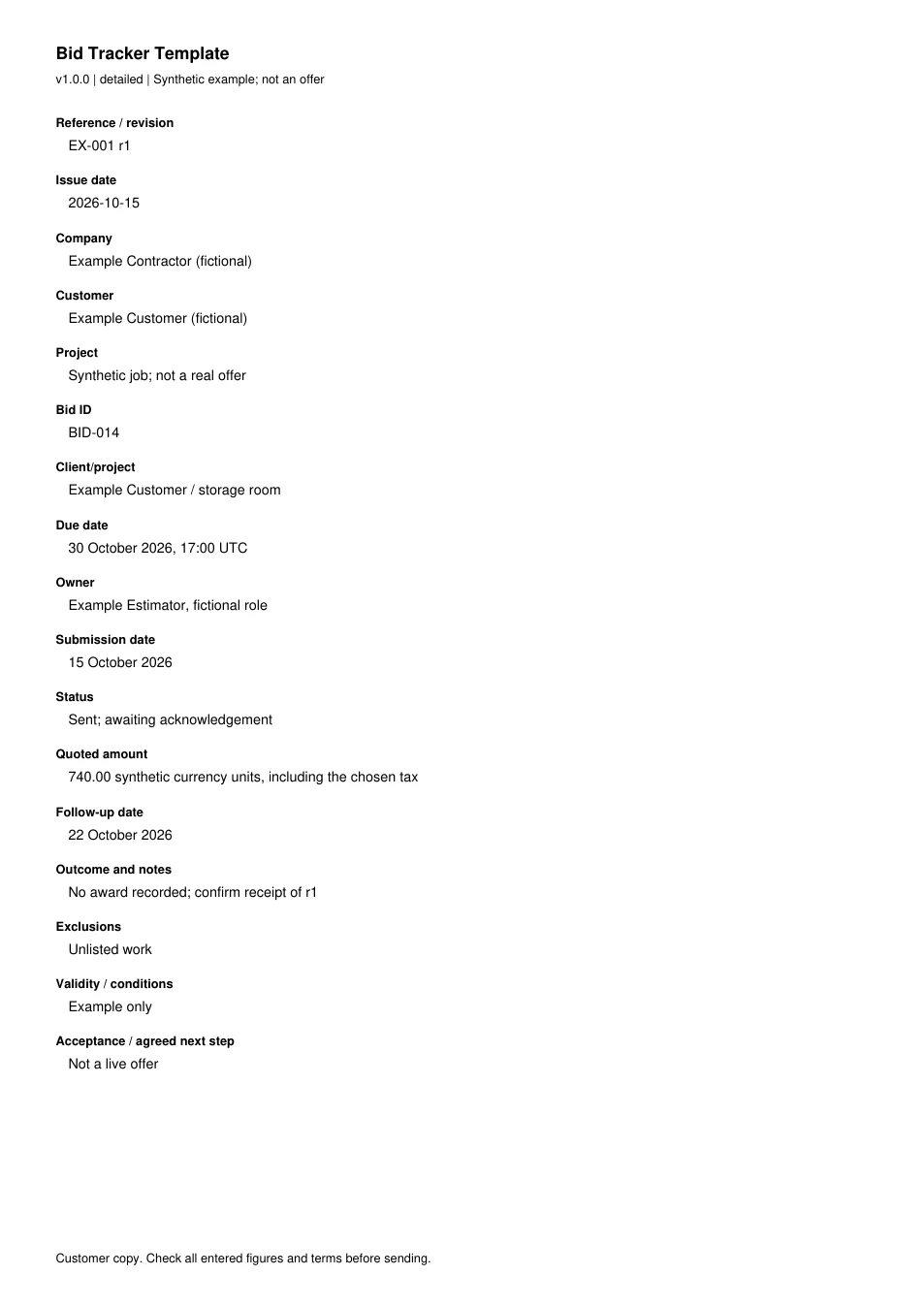
Read every field in the example
- Reference / revision
- EX-001 r1
- Issue date
- 2026-10-15
- Company
- Example Contractor (fictional)
- Customer
- Example Customer (fictional)
- Project
- Synthetic job; not a real offer
- Bid ID
- BID-014
- Client/project
- Example Customer / storage room
- Due date
- 30 October 2026, 17:00 UTC
- Owner
- Example Estimator, fictional role
- Submission date
- 15 October 2026
- Status
- Sent; awaiting acknowledgement
- Quoted amount
- 740.00 synthetic currency units, including the chosen tax
- Follow-up date
- 22 October 2026
- Outcome and notes
- No award recorded; confirm receipt of r1
- Exclusions
- Unlisted work
- Validity / conditions
- Example only
- Acceptance / agreed next step
- Not a live offer