
Google Sheets Estimate Template (2026): Editable Pack and Instructions

On this page5
A Google Sheets estimate template lets you maintain a private costing copy in your own account. The pack starts as an XLSX workbook that you can import. No shared public master is needed, and client details should never be entered into someone else's sample sheet.
Upload your own workbook copy, open it in Sheets and save it as a Google Sheet if desired. Check the sample totals and input states after conversion. Restrict access to private costing. Then create a separate client file. Import is a workflow to verify, not proof that every formula and print setting survived unchanged.
Page updated 25 October 2026. Source check dates are reported separately in the text and comparison.
Google Sheets estimate template setup
Google's Excel and Sheets instructions explain import, Office-file editing and conversion. They are distinct choices. Opening the XLSX directly can keep the Office format, while Save as Google Sheets creates a native copy. Source checked 15 October.
Full revision date is shown above.
| Action | Result to check |
|---|---|
| Upload your job copy | File belongs to the chosen account |
| Open with Sheets | Correct workbook and tabs appear |
| Save as Google Sheets | A separate native copy exists |
| Review sharing | Only chosen people can access costs |
| Recompute the example | Total and balance match the documented case |
| Check print setup | Chosen sheet and paper size only |
Scroll for more →
Check the Google Sheets estimate template
Use the synthetic workbook before a real job. Its direct cost is 500 and client total is 740. Payment 200 leaves balance 540. Check the intermediate cost basis, contingency, markup and discount as well as the final number.
A matching total alone can hide two offsetting mistakes.
Clear one required input and check that the result stays unresolved. Enter an explicit zero and check that it has a different meaning. Mark an optional line No and ensure it leaves the direct-cost sum. Review validation and protected ranges after conversion.
An import may handle those in a distinct way from your desktop application.
The rounding rule uses Sheets ROUND. The final allocated line carries a cent remainder so the selling lines match. Check that the last active row still performs that job after you add, remove or sort rows.
Share and export carefully
Do not turn on broad link access to simplify client review. Your workbook includes private costs and notes. Send a separate client file, with only the client's scope and selling amounts. Hiding the private tabs does not remove them from a downloaded file.
Use the Docs layout for a cloud-edited client file or the PDF form for manual entry. The homepage gives the full worked price sequence. Keep a local copy of the issued client file with its record ID and revision.
FAQ
Is there a public copy link?
The pack uses private file import rather than a hosted public master. Upload your own copy into the account you control. Then review permissions. Do not put a real client's details into an example shared by someone else.
Keep the first blank file so each new job starts without another client's data.
Can two people edit the same job?
Sheets supports shared editing, but you still need a clear scope version and issue process. Decide who may change prices and who releases the client copy. Record a revision before sending an offer. Concurrent editing does not by itself prove that the latest visible numbers are the numbers the client received.
Verdict on the Google Sheets estimate template
Use the Google Sheets estimate template through a private import and a checked conversion. Keep client delivery separate from shared costing.
Inside the original file
This is the actual A4 example from the editable pack, version 1.0.0. All names, measurements, dates and amounts are invented for the form demonstration.
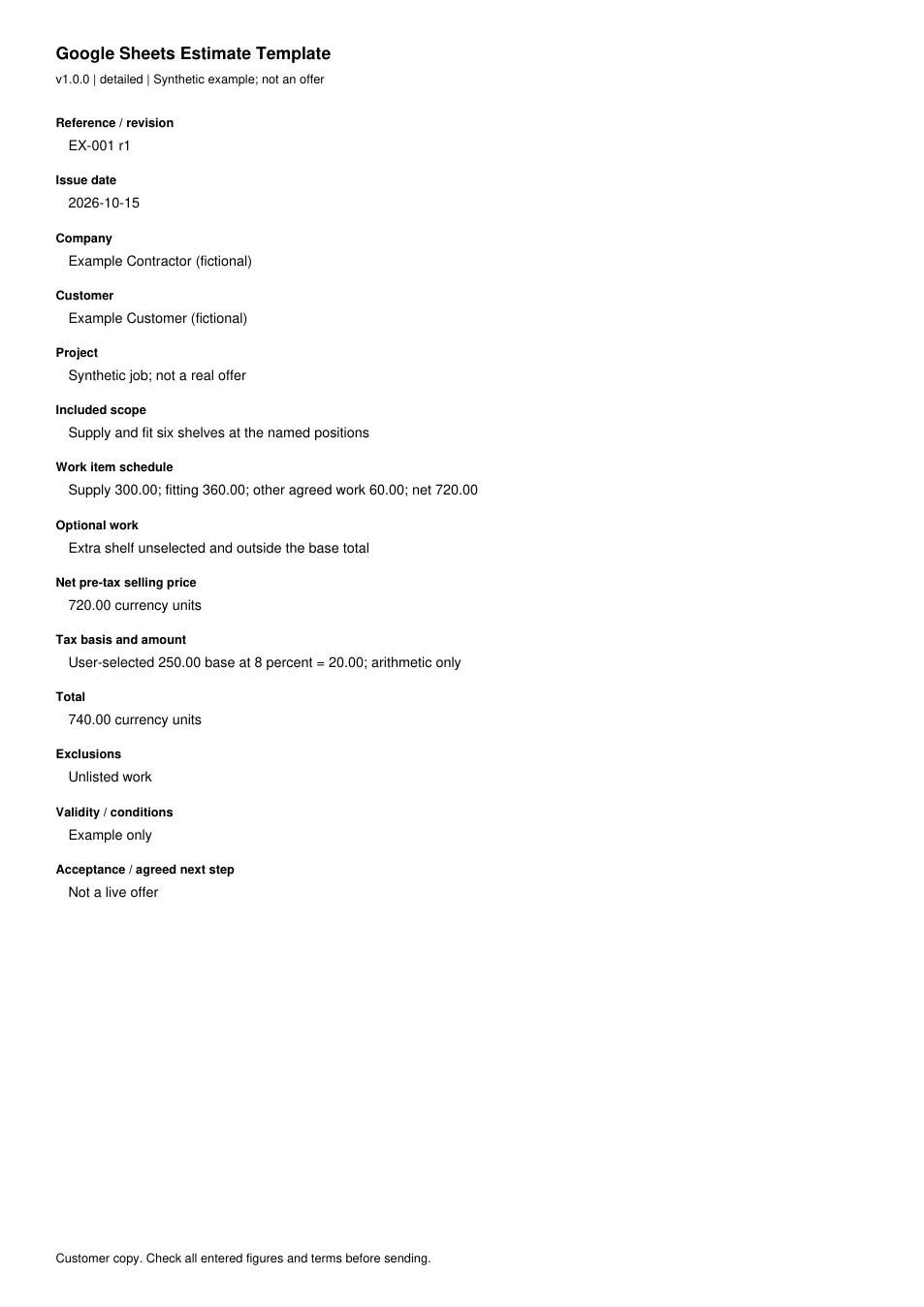
Read every field in the example
- Reference / revision
- EX-001 r1
- Issue date
- 2026-10-15
- Company
- Example Contractor (fictional)
- Customer
- Example Customer (fictional)
- Project
- Synthetic job; not a real offer
- Included scope
- Supply and fit six shelves at the named positions
- Work item schedule
- Supply 300.00; fitting 360.00; other agreed work 60.00; net 720.00
- Optional work
- Extra shelf unselected and outside the base total
- Net pre-tax selling price
- 720.00 currency units
- Tax basis and amount
- User-selected 250.00 base at 8 percent = 20.00; arithmetic only
- Total
- 740.00 currency units
- Exclusions
- Unlisted work
- Validity / conditions
- Example only
- Acceptance / agreed next step
- Not a live offer