
Free Estimate Template Word (2026): Editable Pack and Instructions

On this page5
A free estimate template Word file gives you room to set out scope, exclusions and acceptance terms. Use the original blank layouts for your own job and inspect the made-up examples for structure. Word totals are manual, so transfer checked selling amounts from a costing file.
Choose a simple, detailed or phased client layout. Replace example identities, write a clear scope and enter the checked price and tax. Review the total. Save the editable original and a separate client output. Remove comments and working notes before sending; a polished first page does not prove the whole file is clean.
Page updated 25 October 2026. Source check dates are reported separately in the text and comparison.
Free estimate template Word options
| Layout | Best task | Check before sending |
|---|---|---|
| Simple | Small scope with few choices | Work limits fit clearly |
| Detailed | Several priced work items | Lines match to total |
| Phased | Work with agreed milestones | Phase amounts equal client total |
Scroll for more →
The files are ordinary DOCX files with editable tables. They contain no macros and no automatic pricing promise. Use the Excel workbook if you need formulas. Then copy selling amounts into the chosen client file.
Edit the free estimate template Word file
Begin with the record ID and revision. Add the real client and job location. Replace the sample scope rather than adding new work beneath it. Search the whole file for example text before release, including tables on later pages.
Set out each work item with a clear boundary. State if goods are supplied by you or the client. Record the finish, amount basis and exclusions. If work is optional, put it outside the included total until chosen.
A price beside an unclear scope can mean something different to the client from what you intended.
Copy net selling price, tax and total from checked costing. If the file includes a payment record, keep first total and balance distinct. The main worked example shows total 740 and balance 540 after payment 200, using invented currency units.
Check the file output
Use print preview to check page breaks. Keep a price label with its amount. A table row should not leave an acceptance line stranded on another page. Select Letter or A4 deliberately rather than relying on a printer's inherited setting.
Remove comments, tracked changes and private notes from the outgoing copy. Review file properties too. Create a fresh client file if your working draft contains sensitive cost notes. Keep the source costing and sent version privately so you can explain a later revision.
For a fixed form, see the PDF option. For your own cloud copy, see Google Docs. Google's file help covers opening and downloading files. Checked 15 October.
Full revision date is shown above.
FAQ
Does the Word file update its total?
No automatic math is promised. Enter checked selling amounts and recheck them whenever scope changes. Keep the costing file as the source of the price and the Word file as the client presentation. A revised scope note can affect amounts.
So do not edit only the final total by hand.
Can I add my logo and terms?
You can edit your own copy. Keep text legible and leave space for scope, exclusions and price. Use terms that apply to your work and agreement process. This file does not supply legal wording for a particular jurisdiction. Adding a logo does not change that limit or verify the offer.
Verdict on the free estimate template Word layout
Use the free estimate template Word file when clear scope text matters more than automated math. Check the outgoing file on its own and keep the costing private.
Inside the original file
This is the actual A4 example from the editable pack, version 1.0.0. All names, measurements, dates and amounts are invented for the form demonstration.
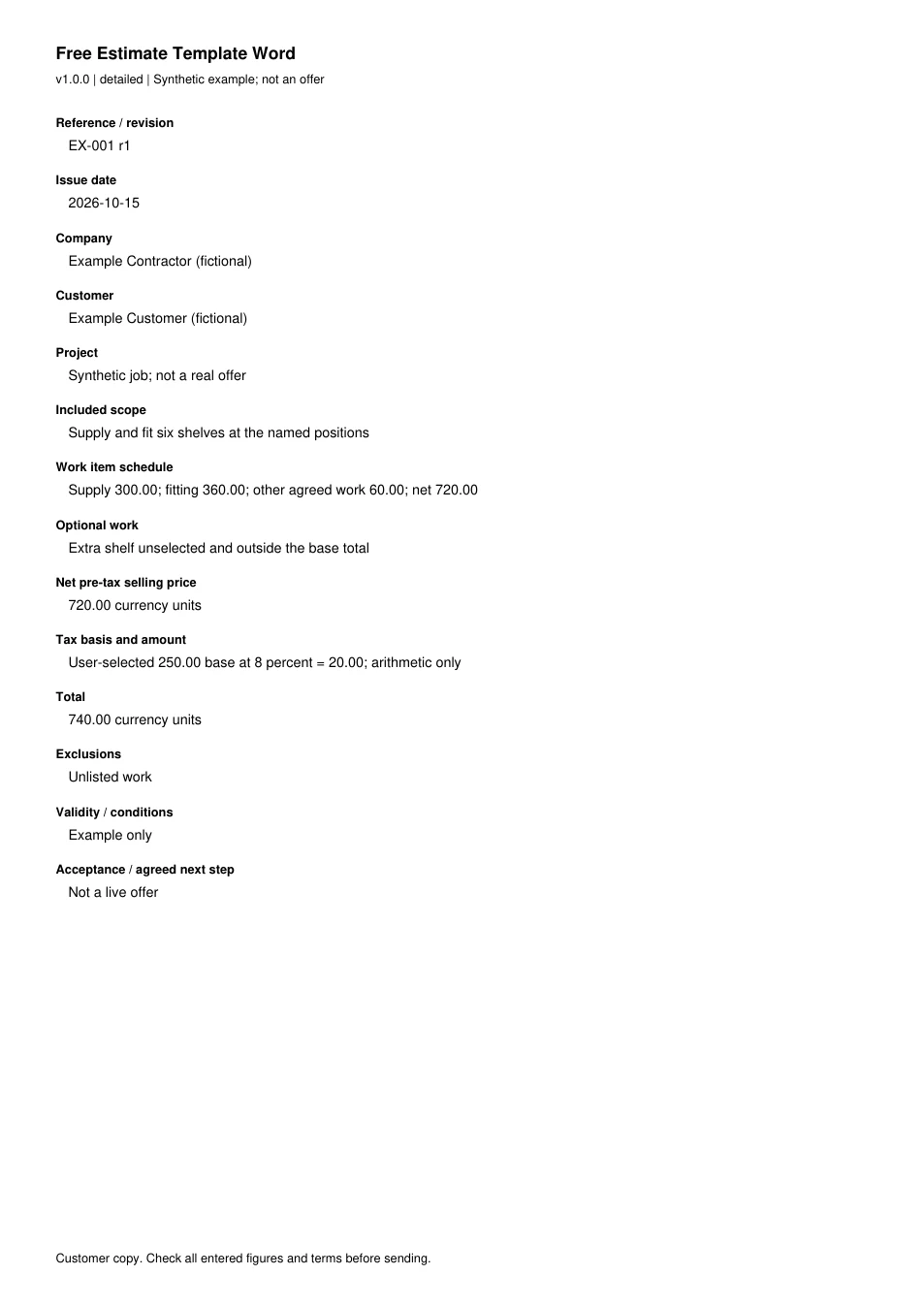
Read every field in the example
- Reference / revision
- EX-001 r1
- Issue date
- 2026-10-15
- Company
- Example Contractor (fictional)
- Customer
- Example Customer (fictional)
- Project
- Synthetic job; not a real offer
- Included scope
- Supply and fit six shelves at the named positions
- Work item schedule
- Supply 300.00; fitting 360.00; other agreed work 60.00; net 720.00
- Optional work
- Extra shelf unselected and outside the base total
- Net pre-tax selling price
- 720.00 currency units
- Tax basis and amount
- User-selected 250.00 base at 8 percent = 20.00; arithmetic only
- Total
- 740.00 currency units
- Exclusions
- Unlisted work
- Validity / conditions
- Example only
- Acceptance / agreed next step
- Not a live offer